
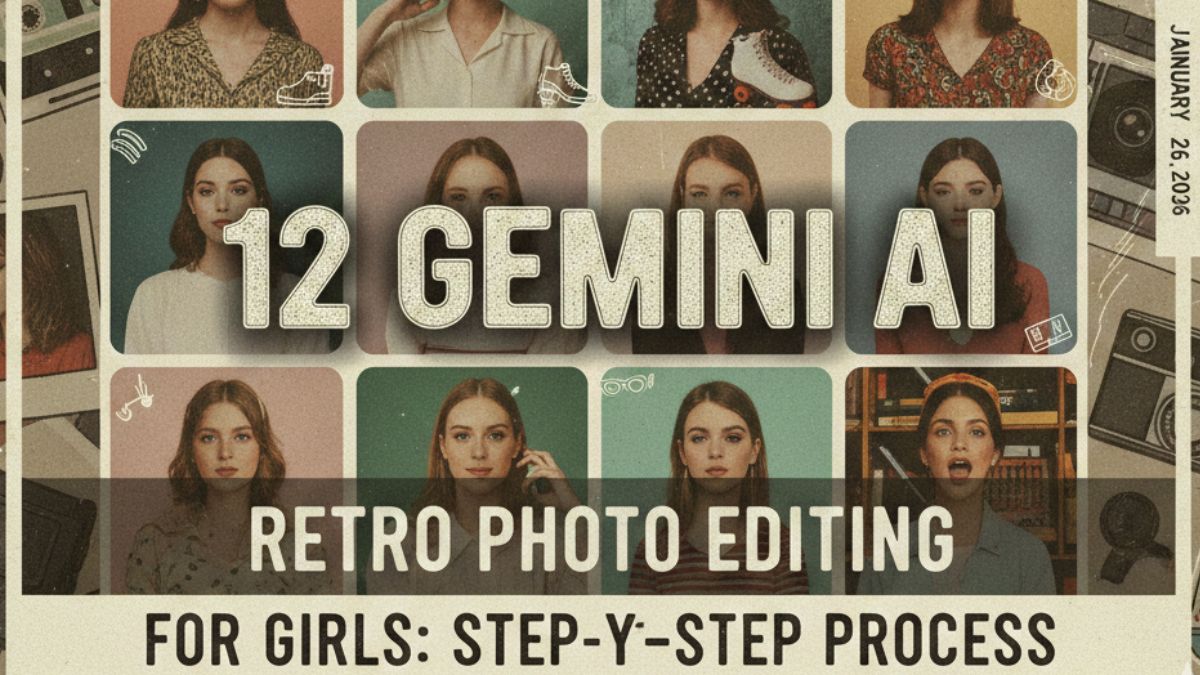
Retro Revival
12 Gemini AI Vintage Prompts & Step-by-Step Guide
Nostalgia is more than a trend; it’s an aesthetic movement. With the power of Gemini AI, you can transform modern portraits into timeless masterpieces. Whether you’re chasing the grainy 70s film look or the neon-soaked 90s vibe, these 12 prompts are designed specifically for high-quality, feminine retro aesthetics.
The Step-by-Step Process
- Access Gemini: Open the Gemini app or go to gemini.google.com. Ensure you are using a version with image generation/editing capabilities.
- Upload Your Base: Click the “Plus” or “Image” icon to upload your original photo. For best results, use a clear, high-resolution portrait.
- Input the Prompt: Copy and paste one of the curated prompts below into the chat box.
- Refine & Adjust: If the grain is too heavy or the colors too muted, tell Gemini: “Make it slightly warmer” or “Reduce the film grain.”
- Save in High Quality: Once satisfied, download the image. For Google Discover-ready shots, aim for the 4:3 or 16:9 aspect ratios.
12 Must-Try Retro Prompts
1. The 1970s Kodachrome: “Apply a 1970s Kodachrome film aesthetic to this photo. Warm amber tones, heavy saturation on reds and yellows, soft natural sunlight, and a subtle vignette.”
2. 90s Disposable Camera: “Transform this into a 90s disposable camera shot. High contrast, direct flash effect, slight motion blur, and a date stamp in the bottom right corner in orange digital font.”
3. Vintage Polaroid: “Edit this image to look like an authentic vintage Polaroid. Faded matte blacks, creamy whites, a soft square frame, and characteristic chemical streaks.”
4. 1950s Technicolor: “Apply a 1950s cinematic Technicolor look. Highly stylized vibrant colors, smooth skin textures, and a classic Hollywood studio lighting glow.”
5. The ‘Grungy’ 80s: “Create an 80s street style aesthetic. Cool blue shadows, grainy texture, slightly overexposed highlights, and a lo-fi VHS filter.”
6. Ethereal 70s Dreamscape: “Convert this photo into a dreamy 70s soft-focus portrait. Use a diffusion filter effect, pastel color palette, and light leaks coming from the edges.”
7. Black & White Noir: “Classic 1940s Film Noir style. High contrast black and white, dramatic shadows (Chiaroscuro), and fine film grain.”
8. 1960s Mod Pop: “Apply a 60s Mod aesthetic. Saturated primary colors, high clarity, and a slight halftone dot pattern reminiscent of vintage magazine prints.”
9. Parisian Vintage: “Edit with a ‘Paris in the 60s’ vibe. Muted desaturated tones, soft grain, sepia undertones, and a romantic, nostalgic atmosphere.”
10. Retro Sporty: “Turn this into an 80s fitness magazine cover style. Vibrant neon accents, high grain, and the specific ‘printed on paper’ texture.”
11. Golden Hour Analog: “Simulate a 35mm analog film shot during golden hour. Warm hazy glow, dust particles, and organic-looking light flares.”
12. Retro Futuro: “Mix 80s synthwave with vintage photography. Neon pink and teal color grading, soft glow, and a retro-digital aesthetic.”
Pro-Tip: When using Gemini, specific camera names help! Try adding “Shot on Leica M6” or “Pentax K1000 aesthetic” to any prompt to give the AI a specific lens profile to mimic.
Conclusion
Using AI to recreate the past allows for endless creativity without needing expensive vintage gear. Experiment with these prompts to find the “era” that best fits your personality!